Quick Answer: Offset vs Digital Printing
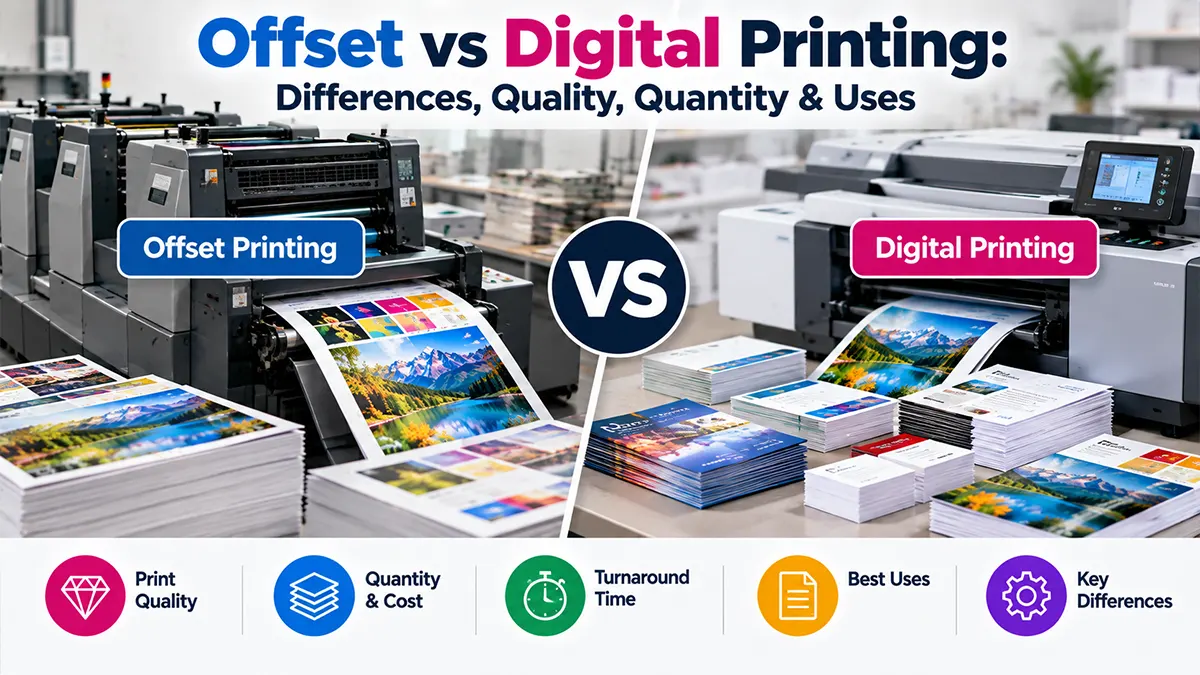
Digital printing sends artwork directly from a digital file to a digital press, without traditional printing plates. It is commonly useful for shorter runs, faster turnaround, on-demand work and variable or personalized content.
Offset printing uses plates to transfer ink to a blanket and then to the paper. Its setup is more involved, but the setup cost can become a smaller part of the unit cost as the quantity increases. Offset can also support certain spot colours, specialty inks and broad substrate/finishing options depending on the press.
There is no universal quantity at which one method always becomes cheaper. The crossover depends on sheet size, page count, paper, colour coverage, finishing, press configuration and supplier pricing. Current 2026 industry guides consistently describe the decision as project-dependent rather than a fixed number.
What Is Digital Printing?
Digital printing reproduces a digital artwork file directly on a printing device. Professional digital presses may use toner/electrophotographic systems or inkjet technologies, depending on the equipment. Because there are no traditional offset plates to make, a job can move from approved artwork to production with comparatively little physical setup.
A major advantage is variable-data capability. Depending on the press and workflow, different sheets can carry different names, addresses, QR codes, images or other data without making a separate plate for each version.
What Is Offset Printing?
Offset lithography is a plate-based printing process. The image is transferred from a printing plate to a rubber blanket and then from the blanket to the paper. A conventional four-colour process job generally uses separate plates for cyan, magenta, yellow and black, while additional plates may be used for spot or specialty colours.
Offset requires plate preparation, press setup, registration and make-ready before production. Once the press is running, the setup cost is spread across the run, which is why offset can become economically attractive for larger quantities. It is also used where consistent long-run colour and specific specialty inks or finishing options are important.
Offset vs Digital Printing: Side-by-Side Comparison
| Factor | Digital Printing | Offset Printing |
|---|---|---|
| Setup | No traditional plates; comparatively quick setup | Plates, make-ready and press setup required |
| Typical quantity fit | Short to medium runs; on-demand jobs | Medium to large runs where setup can be spread across volume |
| Turnaround | Often faster for short jobs | More prepress/setup steps, but efficient once running |
| Personalization | Excellent for variable data | Usually suited to standardized versions |
| Colour | Strong colour quality; capabilities vary by press | Strong consistency and access to spot/specialty inks on suitable presses |
| Unit economics | Often attractive at lower quantities | Setup is higher, while unit cost can fall at higher volumes |
| Artwork changes | Easy to change between runs | Changes after plate production can require additional setup |
| Paper/substrates | Broad and equipment-dependent | Broad and equipment-dependent, with many commercial options |
This is a directional comparison. Actual capabilities vary substantially between individual digital presses and offset presses, so a printer should confirm the exact stock, size, colour and finishing requirements before quoting.
Printing Quality: Is Offset Better Than Digital?
Modern professional digital presses can produce high-quality commercial work, so it is too simplistic to describe digital printing as inherently low quality. At the same time, offset can provide very consistent colour across long runs and can accommodate certain spot colours, metallics and specialty inks that depend on the press and production workflow.
Digital Quality Considerations
Press model, toner or ink technology, substrate compatibility, colour management and finishing can all influence the final result.
Offset Quality Considerations
Plate quality, press calibration, ink, paper, registration, proofing and press operation affect consistency and colour reproduction.
Quantity and Cost: How the Economics Differ
Offset has a higher fixed setup component because plates and make-ready are part of the process. Digital largely avoids those traditional plate costs. As a result, digital is commonly practical for short runs, while offset can become more economical as the quantity increases.
Do not use a generic “500 copies” or “1,000 copies” rule as an absolute break-even point. The crossover changes with finished size, number of pages, paper GSM, colour coverage, finishing and the printer's equipment and pricing. Obtain quotes for the actual job specification.
| Project situation | Method commonly considered | Why |
|---|---|---|
| Very small quantity | Digital | Low setup and no traditional plates |
| Urgent short-run marketing | Digital | Fast production and easy artwork changes |
| Large quantity of identical pieces | Offset | Setup cost can be distributed across many copies |
| Many personalized versions | Digital | Variable-data workflows can change each impression |
| Special spot or metallic colour | Offset, depending on press | Dedicated inks may be available |
Turnaround Time
Digital printing often has a shorter path from approved artwork to finished output because traditional plate preparation is removed. This can be useful for event materials, urgent flyers, proofs and small replenishment orders.
Offset takes additional prepress and make-ready steps, although the press can operate very efficiently once production is established. For a large scheduled run, the total production timeline should be evaluated rather than comparing setup time alone.
Personalization and Variable Data Printing
Digital printing is particularly useful when the printed pieces need different content. Examples include personalized direct mail, unique QR codes, individual names, numbered tickets, location-specific offers and multiple artwork versions.
Offset is generally more appropriate when the run is standardized and every copy carries the same artwork. A hybrid workflow can also be used—for example, offset for a common base and digital production for personalized components when the production setup supports it.
Paper, GSM and Substrate Considerations
Neither process should be selected by paper weight alone. The actual press has substrate limits involving thickness, coating, surface, sheet size and finishing. A paper that runs well on one digital press may not be supported by another, and offset presses also have specific stock requirements.
For brochures, flyers, business cards, catalogues and packaging inserts, confirm the exact paper, GSM, finish and sheet size with the printer before finalizing the production method.
Common Uses of Digital Printing
Business Cards & Small Batches
Useful when quantities are limited or several versions are required.
Flyers & Event Materials
Practical for short campaigns and jobs with tight deadlines.
Proofs & Samples
Convenient for reviewing artwork before a larger production run.
Personalized Mailers
Variable-data capability allows individual content where the workflow supports it.
Common Uses of Offset Printing
Catalogues & Magazines
Large standardized runs can benefit from offset production economics.
Books & Publications
Suitable for planned production volumes where repeatable output matters.
Large Marketing Runs
Useful when many copies share identical artwork and specifications.
Colour-Critical Brand Materials
Appropriate when the selected press and ink system support required colour and consistency targets.
Offset vs Digital for Brochures, Flyers & Business Cards
| Product | Digital may suit when... | Offset may suit when... |
|---|---|---|
| Flyers | Quantity is limited or urgent | Quantity is large and artwork is standardized |
| Brochures | Multiple versions or smaller batches are needed | Large standardized run is planned |
| Business Cards | Small batches or multiple names are needed | Large standardized quantities or specialty inks are required |
| Catalogues | Short runs, proofs or personalized versions | Large repeated runs |
Colour Management and Proofing
Colour is influenced by the printing process, paper, inks or toner, profiles, press calibration and viewing conditions. For brand-sensitive work, specify the required colour standard and discuss proofing with the printer before production.
A digital proof and an offset production run should not automatically be expected to look identical under every viewing condition. The paper and output technology can affect the appearance. For demanding projects, ask the printer what proofing method best represents the final production process.
Common Mistakes When Choosing a Printing Method
Using a Fixed Quantity Rule
Break-even quantity varies by project, so compare actual quotations.
Choosing Only by Price
Consider turnaround, colour, personalization, paper and finishing as well.
Ignoring Substrate Limits
Confirm whether the selected press supports your GSM, coating and size.
Skipping a Proof
For colour-critical work, discuss proofing before approving a large run.
How to Choose the Right Printing Method
Define Quantity
State the exact number of finished copies and whether future reprints are likely.
Set the Deadline
Tell the printer when the finished material is actually required.
Specify the Stock
Confirm size, GSM, coating, finish and any special substrate requirement.
Define Colour Needs
Identify CMYK, spot colours, brand tolerances and proofing requirements.
Check Personalization
If every copy changes, confirm whether variable-data digital printing is appropriate.
Compare Actual Quotes
Request comparable quotations from the same specifications rather than comparing generic rates.
Print-Ready File Checklist
- Confirm final trim size and document dimensions.
- Use the required bleed and safe-area settings.
- Check image resolution at final placed size.
- Follow the printer's colour-profile requirements.
- Embed or correctly package fonts according to the printer's workflow.
- Check overprint, transparency and fine lines.
- Review page order and finishing specifications.
- Export the PDF using the printer's requested standard.
- Approve a proof when colour or layout is critical.
Final Takeaway
Digital and offset printing are different production systems rather than simple “good” and “bad” alternatives. Digital printing is often practical for shorter runs, rapid production, frequent artwork changes and personalization. Offset printing can make sense for larger standardized runs, consistent long-run production and projects that require specific ink or substrate capabilities.
The most reliable decision is to compare the two methods using your actual quantity, finished size, paper, colour requirements, finishing, deadline and personalization needs.
Frequently Asked Questions
Editorial Disclaimer
Printing costs, press capabilities, substrates and production timelines vary by supplier and equipment. This guide is for general information and planning; obtain a job-specific quotation and production specification before placing an order.
Planning a Printing Project?
Share your quantity, size, paper, finishing and deadline to discuss suitable printing options.
Discuss Your Printing Project