
Website Design & Development · Platform comparison
WordPress vs Custom PHP Website: Which Fits Your Business?
Choose an editing and maintenance model your business can support—not a platform based on promises of automatic speed, security or rankings.
Choose WordPress when your team needs an established publishing interface and regularly edits pages or articles. Consider a custom PHP solution when a clearly defined workflow needs tailored functionality and you have ongoing development support. WordPress itself uses PHP, so the real comparison is an established content management system versus a separately developed website or application. Neither is automatically faster, safer, cheaper or better for SEO.
Scope: this guide compares self-hosted WordPress.org software with a custom PHP implementation. It is a research-based decision guide, not a performance benchmark or a claim that every WordPress site or PHP project behaves the same way.
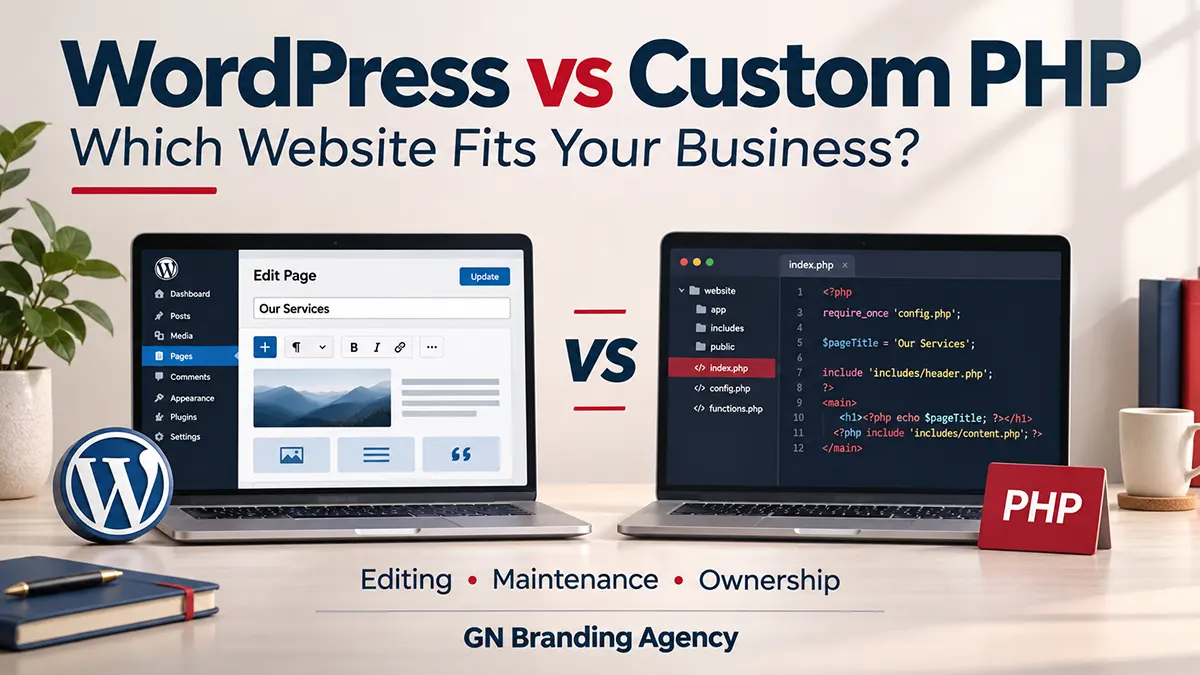
What does WordPress vs custom PHP actually mean?
WordPress is a content management system: a ready-made foundation for organizing and publishing website content. PHP is a server-side programming language. The PHP manual explains that PHP code runs on the server and can generate output such as HTML for the browser. A custom PHP project can use a framework, libraries and a purpose-built administration interface; it does not have to be coded entirely from scratch.
For a business owner, the important difference is what already exists and what must be configured, built and maintained. With WordPress, the publishing system is an established part of the software. With custom PHP, the editing experience depends on the actual implementation. Some custom projects have a capable CMS; others require a developer to edit files.
A small informational website may also use mostly static HTML with PHP only for forms or shared templates. Do not assume every business needs either a full CMS or a custom application. First identify what the website needs to do.
WordPress vs custom PHP: side-by-side comparison
| Decision factor | Self-hosted WordPress | Custom PHP implementation |
|---|---|---|
| Editing | Established content editor; capabilities depend on setup and permissions. | Only the editing tools included in the project scope. |
| Publishing | Built-in workflows for posts, pages and publication management. | Publishing features must be selected or developed. |
| Design | Can use an existing theme or custom templates. | Tailored templates and components; effort depends on scope. |
| Functionality | Extensions or custom code can add features. | Features can be modeled around specific business rules. |
| Initial effort | Existing tools can reduce setup work for common requirements. | Can be lean for a small site; bespoke workflows require development. |
| Maintenance | Core, themes, plugins, hosting and compatibility need attention. | Application code, dependencies, server runtime and integrations need attention. |
| Security | Depends on configuration, access, updates and hosting. | Depends on secure implementation, access, updates and hosting. |
| Performance | Depends on templates, assets, extensions, caching and hosting. | Depends on templates, assets, application design, caching and hosting. |
| Search setup | Editing tools or extensions can simplify implementation. | Equivalent controls need to be built or configured. |
| Handover | Document customizations and extension licenses as well as accounts. | Document code, dependencies, deployment and data structures. |
This table describes implementation trade-offs, not a ranking of all products. Ask to see the actual editing workflow and deliverables proposed for your project.
When WordPress makes sense for a small business
WordPress is worth evaluating when regular content publishing is central to the website. Its official feature documentation describes an editor, publishing tools, user management and extensions. These capabilities can provide a practical starting point without commissioning each content-management feature separately.
For example, a business that publishes service updates and educational articles needs more than a page that looks good on launch day. The team needs to prepare drafts, preview changes, use appropriate permissions and keep recurring content structured. Demonstrate those tasks during the selection process instead of relying on the statement “admin panel included.”
WordPress can also use a custom design. Choosing it does not require a generic appearance. The project still needs careful templates, content organization and testing. Conversely, installing several plugins does not automatically produce a coherent or well-maintained business website.
Key question: can the staff member who will maintain the website complete normal publishing tasks safely with the proposed setup?
When custom PHP makes sense
Custom PHP is worth evaluating when a specific business process shapes the website. Think about the required data, permissions, integrations and approval steps—not just a desire for something described as “fully custom.”
Consider an internal quotation workflow in which requests have different approval limits, branch assignments and document rules. A custom implementation may be appropriate if a requirements review shows that it can serve that workflow clearly and sustainably. The comparison should include whether an established system can already meet the need, rather than assuming custom development is necessary.
A small PHP website can also be a reasonable choice when the content changes rarely and the business already has reliable developer support. In that case, do not quietly promise that staff can edit every page unless an editing interface is included.
Key question: which requirement justifies custom work, and who will support it after launch? Ask how another developer would understand the code if the original supplier becomes unavailable.
How should you compare WordPress and custom PHP costs?
Compare quotations against the same requirements and the same time horizon. A WordPress build with extensive custom templates and integrations is not comparable to a small brochure-style PHP site. A custom application is not comparable to installing a standard theme.
Request separate amounts for design, content preparation, development, hosting, domain renewal, paid software and ongoing support. Include the cost of routine content changes if the business cannot make them independently. Our business website cost in India guide explains how to separate build fees from running costs.
Use a simple two-year worksheet: initial build + two years of recurring services + planned changes + applicable taxes. Then list what happens when a license or support agreement ends. Do not assume a free software license means a free website, or that a custom project has no recurring dependencies.
There is no universal cost winner. Existing publishing tools may reduce work for one business, while a small, stable custom site may require less operational complexity for another. Ask the supplier to explain the cost drivers in your own brief.
Security and maintenance: what responsibilities remain?
Neither choice eliminates maintenance. WordPress security guidance emphasizes reducing risk through appropriate precautions. A custom PHP project also needs a secure implementation and a maintained hosting environment; having fewer familiar components does not prove that the code is safe.
Agree who handles updates, access changes, dependency reviews and incident triage. Keep development, hosting and content responsibilities clear. A managed host's responsibilities may not cover custom application bugs, every plugin issue or all content changes.
Backups should match the system. The WordPress backup documentation explains the importance of both site files and the database. A custom site with a database also needs its data backed up; a static site has a different recovery scope. Request a documented restore process rather than accepting “backup available” without knowing what it includes.
Use a supported runtime compatible with the application. Check WordPress hosting requirements and the PHP supported-version schedule when selecting or reviewing hosting. Test updates against the actual site, and define who checks important pages and enquiry routes afterwards.
For an existing website, our maintenance service scope starts with the current stack and support needs, rather than assuming a rebuild is the solution.
Is WordPress or custom PHP better for speed, SEO and AI search?
A platform label is not a performance test. Compare the delivered pages under similar conditions. Large images, excessive scripts, inefficient templates or unsuitable hosting can harm either implementation. Equally, a careful implementation can avoid unnecessary work regardless of its label.
For SEO, check whether the site provides useful accessible content, distinct page titles, appropriate canonical URLs, internal navigation and sensible URL behavior. An SEO plugin can offer controls, but those controls still need accurate input. A custom CMS should expose the controls your team needs rather than requiring code edits for every routine change.
Google's page-experience guidance encourages good experiences while making clear that strong scores do not guarantee top rankings. Do not accept a promise of guaranteed Google positions as evidence that one platform is better.
The same caution applies to AI Overviews, answer-engine optimization and generative-engine optimization claims. Choose a system that lets you publish reliable information and maintain the site effectively. No platform selection alone guarantees that an AI system will cite your business.
Three business examples to guide the decision
These are illustrative planning scenarios, not claimed client projects or test results.
A consultant publishing articles every week
The owner needs a manageable publishing workflow and frequently updates service explanations. WordPress is a sensible option to evaluate because publishing is an established part of the platform. The proposal should still cover editing permissions, template quality and maintenance.
A local supplier with a small stable website
The supplier changes contact details and service information only occasionally and has dependable developer support. A lean existing HTML/PHP implementation may already be sufficient. Assess whether adding a CMS solves a real editing problem before migrating.
A business with a specialised request-and-approval process
The site requires branch-specific permissions, custom records and an integration with an existing operational system. Begin with requirements and data flow. Compare an established platform, an extension-based approach and custom development against those requirements; do not choose on the basis of the homepage appearance alone.
Ownership and handover: what should you receive?
Ask about ownership and access before paying. Open-source software does not automatically settle every question about project assets, purchased licenses, custom code or account control. Those details belong in the agreement.
- Accounts: identify the domain registrant and who controls hosting, email and third-party subscriptions.
- Editing: demonstrate the exact changes staff can make and document any limitations.
- Code and assets: confirm source delivery, approved images, customizations and relevant license conditions.
- Operations: document deployment, backups, recovery and the support contact.
- Continuity: ask how another supplier could take over without rebuilding the site unnecessarily.
A WordPress site with undocumented customizations can be difficult to hand over. So can a custom PHP site without clear code or deployment instructions. The quality of the handover matters in both cases.
A practical decision process before choosing a platform
- List the essential jobs. Separate content publishing from enquiries, payments, bookings and operational workflows.
- Name the editor. Identify who changes content, how often and what technical support is available.
- Inspect what already exists. Record useful URLs, content and integrations before proposing replacement.
- Request a demonstration. Ask the supplier to show the editing and enquiry workflows included in the scope.
- Compare total cost and support. Include renewal, maintenance and normal change requests.
- Define acceptance checks. Verify mobile navigation, forms, content controls, account access and recovery arrangements.
Bring that brief to a website design and development discussion. A useful recommendation should explain why the proposed system fits the business, what its limitations are and how it will be maintained.
Frequently asked questions
Is WordPress a PHP website?
WordPress uses PHP as part of its server-side software. “WordPress vs custom PHP” usually means choosing between the established WordPress CMS and a separately developed PHP website or application.
Can I edit a custom PHP website without coding?
Only if the implementation includes suitable editing tools. Ask for a demonstration of the pages and fields you can change. PHP itself does not provide a ready-made content editor.
Is WordPress always cheaper than custom development?
No. Compare the same design, content, features and support requirements. Existing tools may reduce work, but customizations, paid extensions and ongoing maintenance can affect the total.
Is a custom PHP website automatically more secure?
No. Security depends on implementation, access, dependencies, hosting and maintenance. Custom code can contain defects, and an established CMS still requires appropriate upkeep.
Which option is better for SEO?
Either can support useful content and sound technical SEO. Check the delivered website and available editing controls. Neither a plugin nor a programming language guarantees rankings.
Can I move an existing PHP website to WordPress?
Often, but it is a migration project. Review URLs, content, forms, integrations, redirects and data before changing systems. Moving platforms is not automatically necessary to improve an existing website.
Should a small business choose WordPress for blogging?
It is a practical option to evaluate when frequent publishing and an established editor are important. Check whether the proposed templates and support plan suit the team rather than assuming every WordPress setup is equivalent.
Do both options need hosting and maintenance?
A self-hosted WordPress installation and a server-run PHP application both need appropriate hosting. Maintenance scope differs by implementation, but backups, access management and reliable support should be planned for either.
Official sources and editorial method
This comparison uses official documentation for product capabilities and maintenance context. The business scenarios and decision checklist are editorial guidance, not a vendor benchmark. Sources were checked on 12 November 2026:
- WordPress.org: publishing and platform features
- WordPress.org: hosting requirements
- PHP manual: introduction and server-side execution
- PHP: supported versions
- WordPress: security hardening
- WordPress: backups
- Google Search Central: page experience
No affiliate tracking links, invented performance results or guaranteed outcomes are included. Read our editorial policy for research and corrections.